
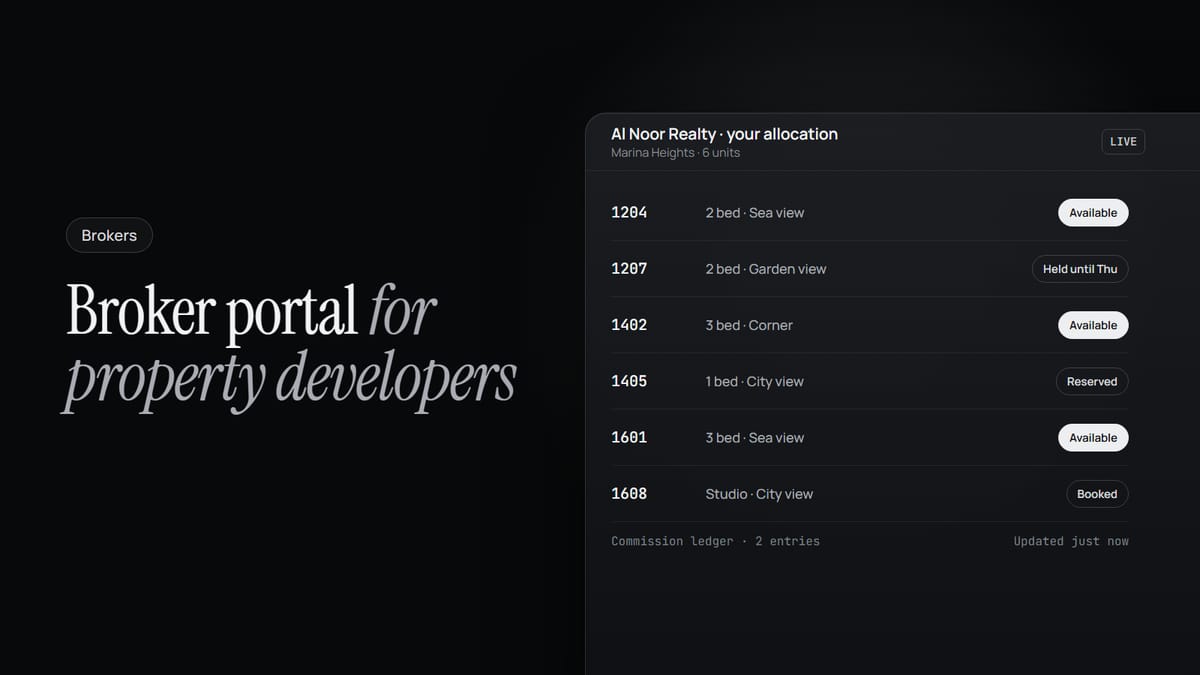
A broker has a buyer ready to move. Before anything else can happen, the broker needs to know one thing: is the unit still available. So they call your sales office, or send a message, and wait. If the timing doesn't work out, they drive over, just to have someone at a desk check for them.
None of this is the broker's fault, or your sales team's. It's how the process has worked for years, and mostly, it works. But it still means a buyer who's ready to sign is stuck waiting on an answer that already exists inside your systems. It just hasn't reached the person asking for it yet.
This guide covers what a broker portal should do for a property developer: what each broker sees, how allocation and holds work, how commissions are tracked, and what changes for your own team.
The gap isn't the broker. It's the distance.
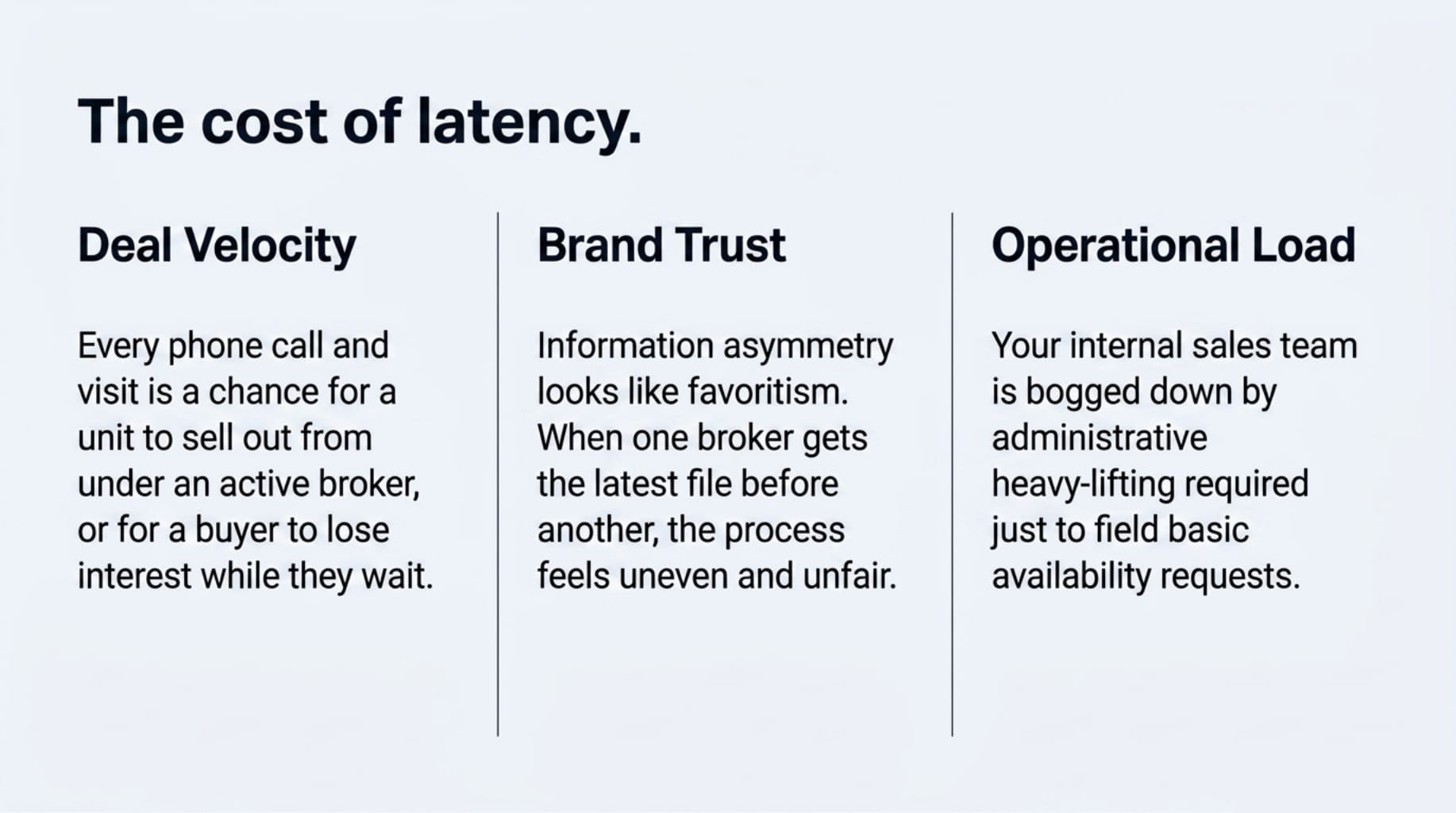
Your team knows exactly what's available, right now. The broker doesn't. If they're lucky, they have the latest availability file one of your sales managers sent over. More often, they're working from an inventory sheet from last week, a call that hasn't been returned yet, or a visit they'd rather not have to make. Every one of those steps is a chance for the unit to sell out from under them, or for a buyer to lose interest while they wait.
For a developer working with an outside broker network, that gap adds up. Every phone call and office visit is a broker who could have moved faster, on a deal that took longer to close than it needed to.
It also makes the process feel uneven. If one broker happens to have the latest file, or reaches your office first, and another finds out the unit was already gone, it can look like favouritism, even when nobody meant it that way. That's what happens when the same information reaches different brokers at different times.
What a broker portal should give each broker
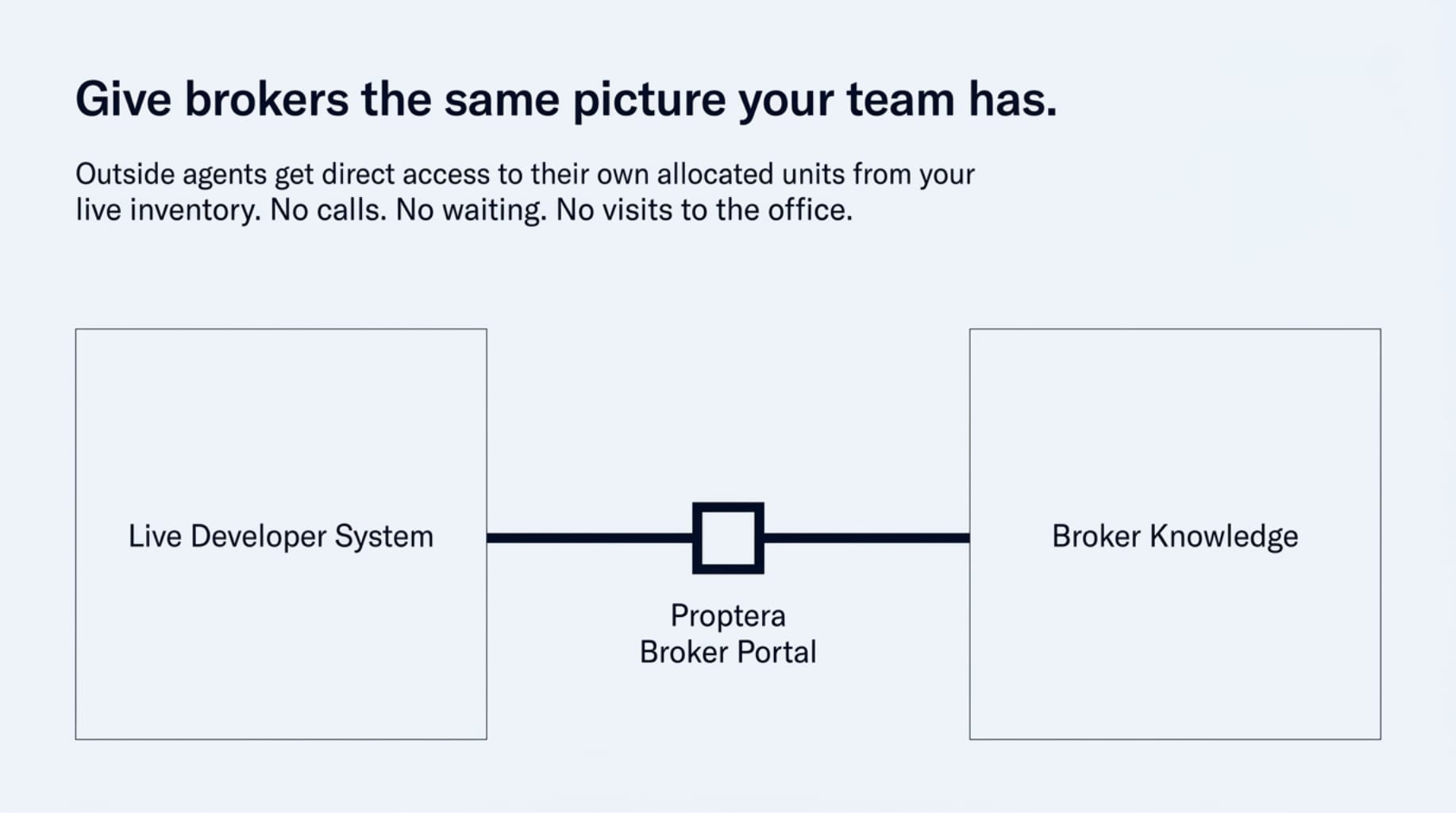
The principle is simple: every broker sees the same live inventory your team works from, limited to the units you have given them. In Proptera, that means:
- Their allocated units, live. A broker sees what is available in their allocation right now, without a call, a wait or a trip to your office.
- One picture for everyone. Every broker looks at the same inventory at the same time, so there is no version of the file one broker had before another.
- Leads and reservations. A broker can submit a lead and, depending on how you have set up your booking process, reserve a unit for their client.
- Holds inside your rules. A hold follows the hold policy you set for the project, so a unit is held for as long as your policy allows, and no longer.
- Commissions in the same place. Each entry is recorded in a commission ledger, so nothing falls through after the sale.
- Pages that show interest. Each broker gets their own pages for the units they market. A visitor leaves an email and phone number before the details open, and the broker sees who visited and when.
Brokers can work from the mobile app, and they can also ask Tera, the Proptera AI agent, on WhatsApp: request an allocation, ask for documents, have a unit held for a client, log a lead, or hand a ready buyer over for KYC and booking.
Allocation: deciding which broker sells which units
Allocation is how you stay in control of your broker network. You can give one unit, or a set of units, to a specific brokerage. Each brokerage sees only what has been allocated to it, never another brokerage's inventory.
Brokerages sign up on Proptera themselves and register with your company. You approve or reject each one before any units reach them. Once a brokerage is approved, you decide what it gets.
Allocation is also where a project's tail often gets stuck. A brokerage that received units at launch and has done nothing with them for months is holding inventory another broker could be selling. When the units and the activity sit in one place, moving an allocation from a quiet brokerage to an active one is a decision, not a project.
Holds and reservations
The most time-sensitive request a broker makes is a hold. A client is ready, often in the evening, and the broker wants the unit kept before the morning.
With the portal, the broker places the hold themselves, or asks Tera to place it. Tera checks that the unit is in that brokerage's allocation and that a hold is allowed under the project's hold policy before placing it. The broker can confirm to their client the same evening, and your team sees the hold when they start the day.
How a hold turns into a booking stays your choice. Every developer runs booking differently, so Proptera works around your process rather than putting a fixed one in its place.
Commissions
Commission disputes usually come from records kept in different places. When each entry is recorded in a per-entry commission ledger, on the same platform as the allocation, the lead and the booking, the question of who brought which buyer has one answer that both sides can see.
What changes for your team
- Less back and forth answering availability questions.
- Units reserved faster, because the wait between a broker being ready and a reservation being made disappears.
- A clear read on how a launch is moving, by brokerage and by unit, straight from the numbers rather than from whoever picked up the phone.
- A fairer process, because every broker sees the same picture at the same moment.
Questions developers ask
Will our brokers actually use it? Brokers use what makes their next commission faster. A broker who can confirm availability and hold a unit for a client at night, from their phone or on WhatsApp, has every reason to.
Does this change how we manage our broker relationships? No. It doesn't replace your relationships with your broker network, or the way you manage them today. You still decide who joins, what they get and how booking works. The portal closes the distance between a broker with a ready buyer and the answer that was already in your system.
What do brokers see about other brokers? Nothing. A brokerage sees only the units allocated to it and its own pages.
See it on your own inventory
If your broker network is part of how you sell, the clearest way to judge this is with your own units and your own brokerages. Book a walkthrough and we'll walk you through the broker portal on your own inventory.